In short
- A B2B or exporting SME is digitalised in four layers: ERP, CRM, automation and custom software with AI.
- Order matters: first a process review and quick wins, then ERP, CRM and integrations, and custom work last.
- Clientify has its own Holded integration for contacts and companies; quotes and orders are connected through the API or Make.
- Sales digitalisation must help you sell more and export: a multi-price-list B2B catalogue, a CRM for prospecting and market data.
- Team training can be subsidised through FUNDAE in Spain, and digitalisation grants are available depending on each call.
Many industrial SMEs already use software, but each department has its own and nothing talks to anything else: invoices in one program, customers in a spreadsheet, orders by email and sales follow-up in each salesperson's head. At Vycte we have been digitalising B2B and exporting SMEs for years, and this guide sums up the method we use: which tools, in what order and how to connect them.
What SME digitalisation is (and what it is not)
SME digitalisation is not buying a program or launching a new website. It means company information (customers, orders, stock, invoices, payments) is recorded once, available to whoever needs it and used to make decisions. Digital transformation for SMEs is the result: faster processes, fewer errors and a team that spends its time selling and producing, not copying data.
What it is not: digitalising chaos. If your quoting process depends on three people and two spreadsheets, moving it into a tool without redesigning it just makes it more expensive. That is why any serious project starts by understanding how the company works today.
The B2B SME stack in 4 layers
After many projects, we see that almost every SME that sells to other businesses or exports needs the same four layers. You do not have to build them all at once, but you should know from the start how they will fit together.
| Layer | Typical tool | What it solves |
|---|---|---|
| 1. ERP (management) | Holded | Invoicing (VeriFactu-ready), accounting, inventory, purchasing, projects and team in one place |
| 2. CRM (sales) | Clientify with the official WhatsApp Business API | Sales pipeline, deal follow-up, forms, campaigns and WhatsApp conversations inside the customer record |
| 3. Automation | Make or n8n | Data moves between tools on its own: leads into the CRM, orders into the ERP, supplier invoices with OCR, alerts and reports |
| 4. Custom and AI | Custom software (for example Supabase and Vercel) and AI models | Processes unique to you that no standard program covers well: customer portals, planning, classifying or extracting data with AI |
Layer 1: the ERP as the backbone
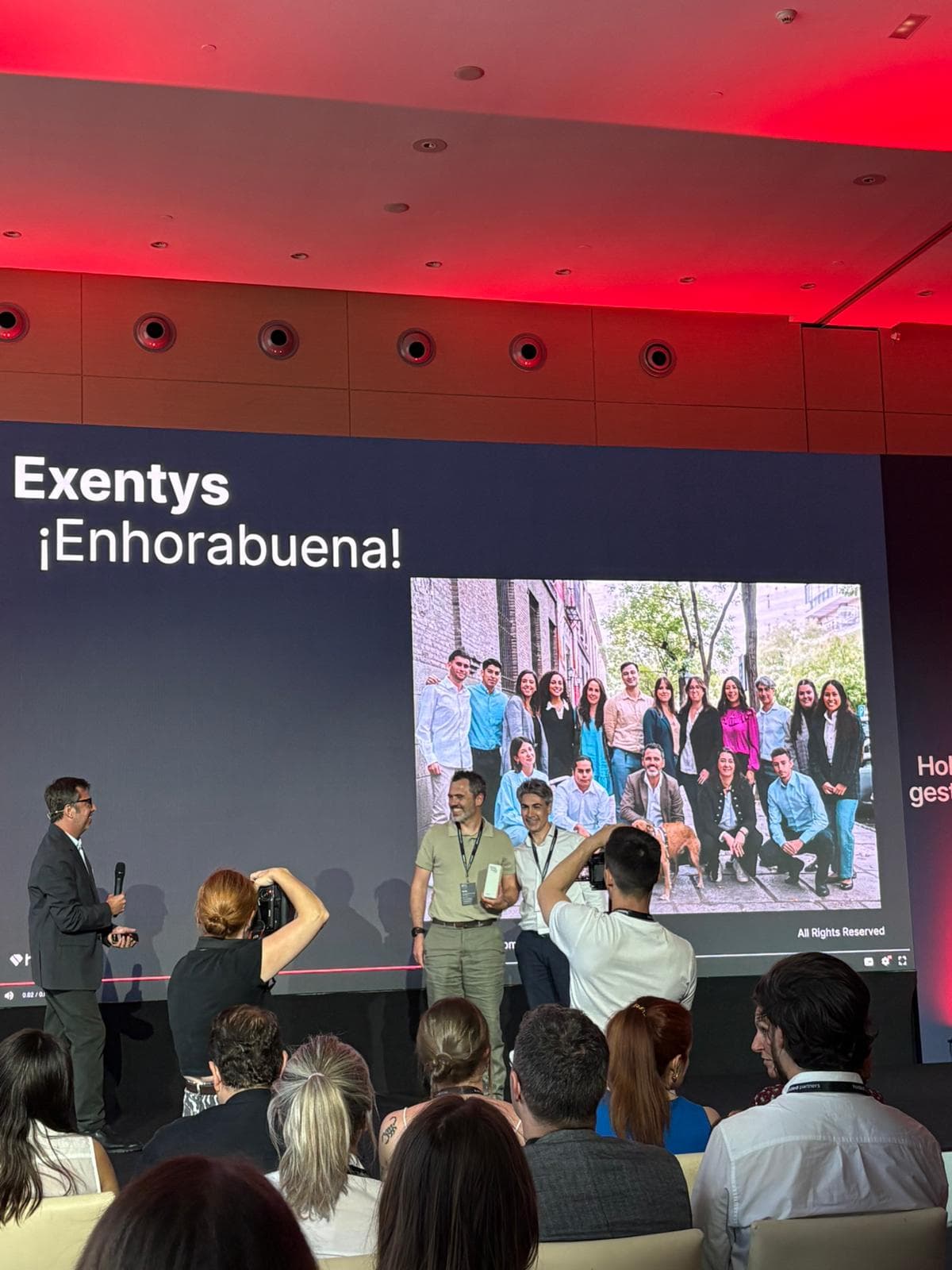
The ERP is where the money lives: quotes, orders, invoices, payments, stock and accounting. For SMEs we recommend Holded for its balance between power and ease of use. Vycte is a Holded Gold Solution Partner, one of the few partners at that level; see what it means in our guide to the Holded Gold partner and our Holded implementation service. If you invoice in Spain, also bear in mind the VeriFactu requirement.
Layer 2: the CRM so no deal slips away
The CRM organises selling: who each prospect is, what stage they are at and what the next step is. With Clientify, the sales team manages the pipeline and official WhatsApp Business conversations from the same record. We cover it in depth in our guide to CRM with Clientify and WhatsApp for B2B; we are an official Clientify partner.
Layer 3: automation that ties it all together
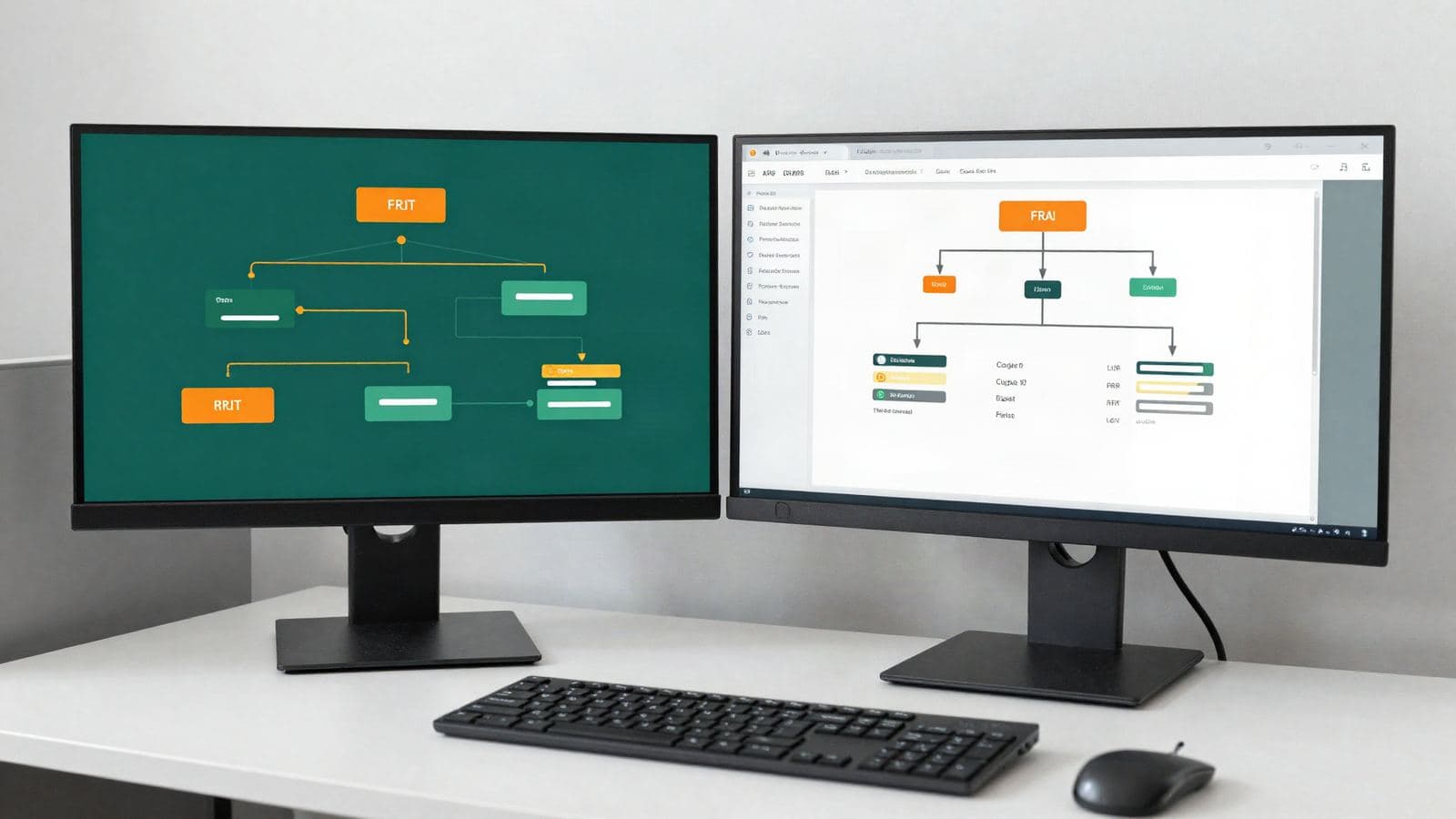
Make and n8n are the glue between tools. A form creates the lead in the CRM, a won deal generates the quote in Holded, a supplier invoice gets recorded on its own. You will find ten examples in our guide to automation with Make for businesses.
Layer 4: custom software and AI
When a process is the core of your business and no standard program handles it, it is time to build. Think of a distributor portal, a booking platform or a production dashboard. Our guide to custom management software explains when it pays off and when it does not.
How to digitalise your company step by step: where to start
The question we hear most is "how do I digitalise my company without stopping operations?". The answer is in short phases, with visible results in each one. This is the order we recommend to digitalise a company step by step:
- Process review: map how an order flows today, from first contact to payment. Note who touches each step, with which tool and where data is copied by hand.
- Quick wins: pick two or three improvements that show results within weeks, such as recording supplier invoices with OCR, centralising website leads or automating payment reminders.
- ERP: implement or reorganise Holded with clean data (customers, products, price lists, taxes). Without this foundation, everything else is built on sand.
- CRM: define the pipeline, stages and follow-up rules, and connect your inbound channels (website, WhatsApp, email, trade fairs).
- Integrations and automation: connect CRM and ERP and automate the hand-offs that are done manually today.
- Custom and AI: only once the previous layers work and you have found a process that justifies it.
How Holded and Clientify connect (and where Make fits in)
Using Holded and Clientify together is common in B2B SMEs: the CRM for sales and the ERP for operations. The key is to decide which tool owns each piece of data so information is neither duplicated nor contradictory.
- Contacts and companies: Clientify has its own Holded integration that syncs them both ways. Sales creates the customer in the CRM and finance has it in the ERP.
- Quotes and orders: connected through the API or Make. The typical flow creates the quote or order in Holded when a deal is won in Clientify, with the right products and price list.
- Invoicing and payment status: flows back to the CRM so the salesperson knows whether the customer is up to date before calling.
- Supplier invoices: an OCR flow reads invoices arriving by email and records them in Holded for review. We build it as part of our digitalisation service.
- Other tools: online shop, warehouse, spreadsheets or AI models are added with Make or n8n. Details in our guide to Holded integrations.
Sales digitalisation: selling more and exporting
Digitalising only the back office falls short. Sales digitalisation is what moves revenue: the team finds more customers, responds faster and stops losing deals. For exporting SMEs it also has to work across several languages, currencies and price lists.
- Multi-price-list, multilingual B2B catalogue: with Holded we build custom catalogues with prices per customer or country, several languages and several currencies, so distributors see their price and place orders without endless emails. More in Holded for exporting companies.
- A CRM for prospecting: replies from prospecting campaigns enter the pipeline with their source and next action. We explain it in international B2B prospecting campaigns.
- Market data before you invest: Exporta.ai analyses which countries have demand for your product using official trade data and finds importers and distributors, including the person who makes the purchasing decision.
- Trade fairs connected to the CRM: contacts captured at a fair go in with their tag and a follow-up task, with no business cards forgotten in a drawer.
When lead generation, sales and invoicing are connected, management can see on a dashboard which markets generate opportunities and which turn into orders. That visibility is what lets you decide where to invest the next euro in sales.
A 90-day digitalisation roadmap
This is an indicative timeline for an SME of 10 to 50 people starting from scattered tools. Every company has its own pace, but three months is usually enough to have the first three layers running.
| Period | Goal | Deliverables |
|---|---|---|
| Weeks 1-2 | Process review | Process map, tool inventory, data to migrate and a prioritised list of improvements |
| Weeks 3-4 | Quick wins | Supplier invoices with OCR, centralised website leads and automatic payment reminders |
| Weeks 5-8 | ERP | Holded set up with customers, products, price lists, invoice series and inventory; team trained |
| Weeks 7-10 | CRM | Clientify pipeline, WhatsApp Business connected, forms and follow-up rules |
| Weeks 9-12 | Integrations | Clientify-Holded sync, automated quotes and orders, weekly management report |
| Day 90 | Review | Comparison with the three baseline indicators and a decision on the custom or AI layer |
Team training and funding
The best-implemented tool fails if the team does not use it. That is why every phase includes hands-on training with the company's real data, not generic demos. At Vycte we train teams in Holded, Clientify and Make, and in the practical use of AI such as Claude or ChatGPT for sales, exporting and management; see our guide to AI training for companies.
All of these courses can be subsidised through FUNDAE, Spain's state foundation for training in employment. According to FUNDAE, companies that pay vocational training contributions have an annual training credit for their employees, which they apply as rebates on their Social Security contributions. We explain how it works in our guide to FUNDAE-subsidised training and in our training service.
For the rest of the project, there are digitalisation grants that depend on each call (national, regional and from the Chambers of Commerce). We review them in our guide to digitalisation grants for SMEs and help you apply through our grants service.
Real cases: Jata, Carvisa and Exporta.ai
Carvisa, a motorhome rental company, is the example of the fourth layer. No standard program fitted the way it works, so we built a custom management platform with Supabase, Vercel and Make that centralises bookings, maintenance and invoicing.
And the most direct proof of what we can build is our own product. Exporta.ai is the AI export platform developed by Vycte: market analysis with official trade data, a customer finder, trade fair lead capture, a CRM and AI-assisted message writing. We bring the same way of working to our clients' digitalisation projects.
Frequently asked questions
Where do I start digitalising my SME?
Start with a process review: map how an order flows from first contact to payment and mark where data is copied by hand. With that map you choose two or three quick wins, such as recording invoices with OCR or centralising leads, and then implement the ERP, the CRM and the integrations between them, in that order.
Can Holded and Clientify be used together?
Yes. Clientify has its own Holded integration that syncs contacts and companies both ways. Quotes, orders and payment status are added through the API or Make. Usually Clientify handles sales and Holded handles invoicing, inventory and accounting, with a single source of truth for each piece of data.
How long does it take to digitalise an SME?
It depends on size and starting point, but an SME of 10 to 50 people can have its ERP, CRM and basic integrations running in about 90 days if it works in phases. Quick wins show within the first weeks. Custom or AI developments take longer and are best tackled once the foundation is working.
Do I need Make if I already have Holded and Clientify?
Not always. The native Clientify-Holded integration covers contacts and companies. Make or n8n become useful when you want to automate quotes and orders, read invoices with OCR, connect your online shop or generate automatic reports. The rule is simple: if someone copies data between tools every week, there is an automation waiting to be built.
Can training in Holded, Clientify or AI be subsidised?
Vycte's courses in Holded, Clientify, Make, applied AI, exporting and B2B lead generation can be subsidised through FUNDAE. Spanish companies that pay vocational training contributions have an annual credit that they apply as a rebate on their Social Security contributions. It is worth checking your company's available credit before planning the courses.